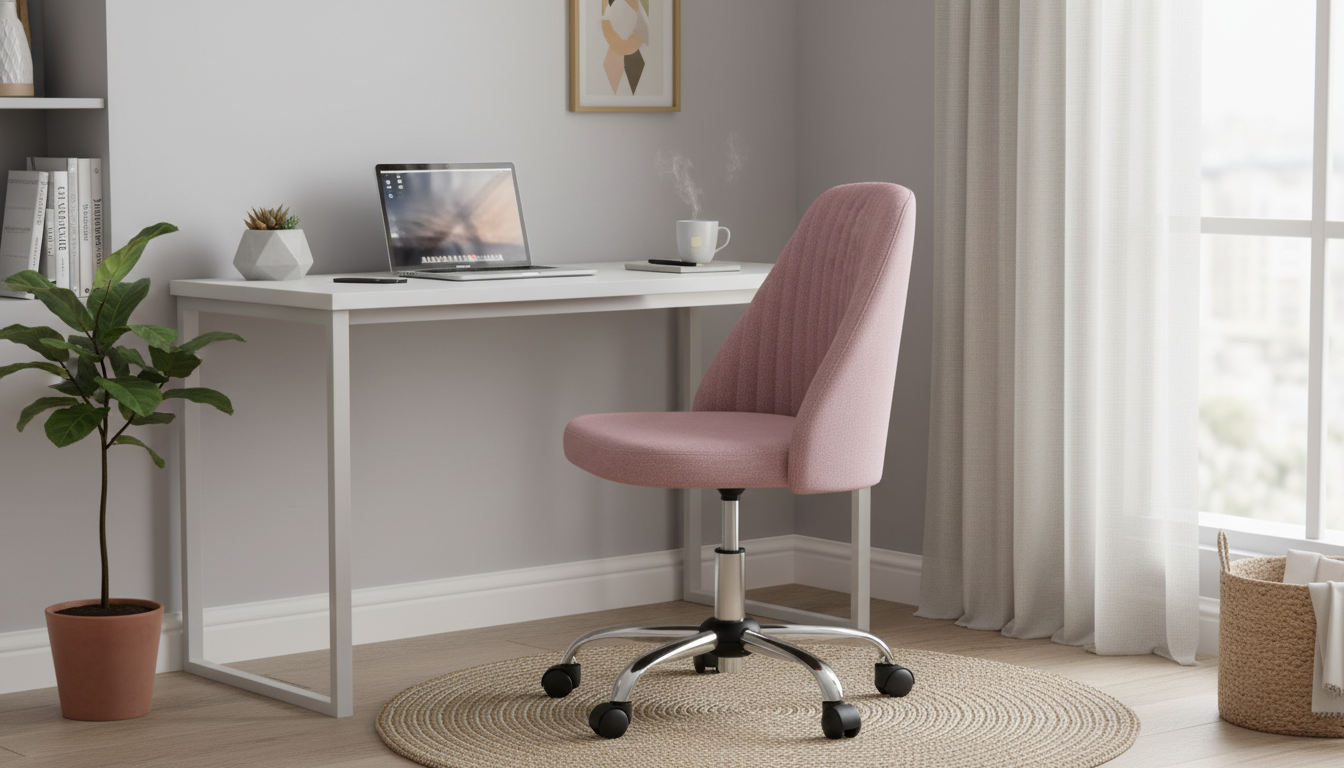
A compact, armless chair can make a tight workspace feel instantly more usable—especially when it swivels, rolls smoothly, and adjusts to the right height for typing, writing, or getting ready at a vanity. This guide breaks down what matters most in an armless swivel desk chair and how to set it up for comfortable daily use.
In compact rooms, the biggest win is clearance: an armless profile slides in and out smoothly, so the chair doesn’t “claim” the whole floor. That also makes it easier to keep walkways open in apartments, dorms, and guest rooms that double as an office.
| Consideration | Why it matters | Quick test at home |
|---|---|---|
| Desk height match | Prevents shoulder shrugging or slouching | Sit and place forearms on desk; shoulders should stay relaxed |
| Floor type | Affects rolling effort and noise | Roll forward/back; if it snags, consider a mat or alternate casters |
| Seat depth | Supports thighs without cutting circulation | Leave about 2–3 fingers between seat edge and back of knees |
| Base stability | Reduces wobble during swivel and reach | Swivel and lean slightly; chair should feel planted, not tippy |
| Tight-space fit | Improves room flow | Push fully under desk; confirm it doesn’t hit drawers or crossbars |
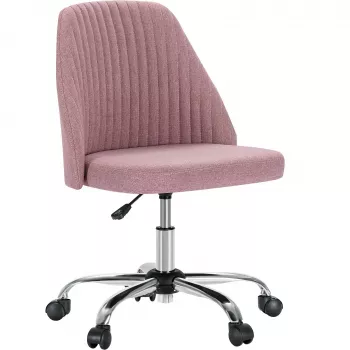
If you want a streamlined chair that keeps a small room feeling open, the Armless Small Desk Office Chair with Swivel, Adjustable Height & Wheels is designed for exactly that kind of setup.
For workstations where the chair is constantly moving—from desk to printer to closet shelving—smooth swivel plus easy rolling can reduce awkward twisting and make the space feel more responsive.
Ergonomics doesn’t require a complicated overhaul. A few small adjustments can help: keep wrists neutral (not bent up), relax shoulders, and let the chair do the turning. For detailed workstation guidance, see the OSHA Computer Workstations eTool and the Mayo Clinic office ergonomics guide.
Armless chairs also work well for narrower body movements—like scooting sideways to open a drawer—because nothing blocks your hips and elbows. That can be especially helpful at compact desks with keyboard trays or shallow legroom.
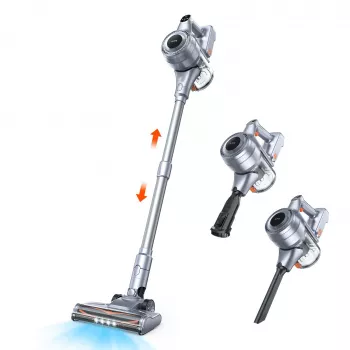
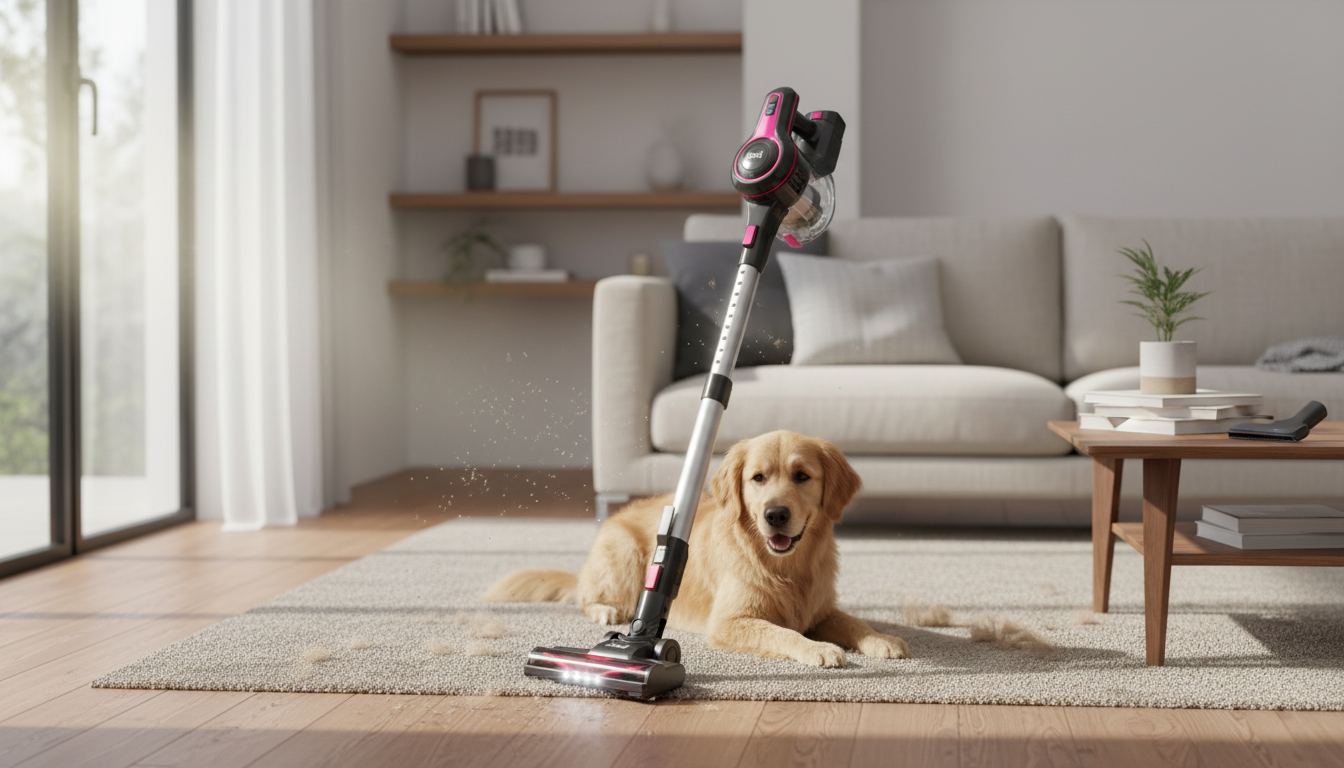
A tidy floor helps casters perform better. If your workspace collects crumbs, pet hair, or craft debris, a quick clean can keep wheels from dragging. A compact tool like the Powerful Cordless Handheld Vacuum Cleaner with LED Light & 40-Min Runtime can make it easier to clear corners and chair tracks without hauling out a full-size vacuum.
Yes for many short-to-moderate sessions, especially when the seat height and desk distance are set correctly. For longer days, add simple lumbar support and keep your monitor and keyboard positioned to avoid slouching.
They can, but glide and scuff risk depend on the wheel material and how clean the floor is. A chair mat can protect hardwood and often makes rolling smoother and quieter.
Set the height so your feet are flat on the floor and your elbows rest near desk height with relaxed shoulders. Fine-tune so your wrists stay neutral while typing and you’re not reaching upward for the keyboard.


Leave a comment