A pocket-sized voice translator can remove friction from travel, international work, and multilingual family moments—especially when quick, natural back-and-forth matters more than perfect phrasing. This guide explains what to expect from a portable real-time wireless voice translator, how it fits into daily scenarios, and what features make a real difference once it’s in hand. For more guidance, see Viaim RecDot – Reviews – Head-Fi.
Who This Translator Helps Most
- Travelers navigating taxis, hotels, street food, museums, and transit announcements
- International students handling orientation, group projects, and campus services
- Remote teams and small businesses coordinating with overseas suppliers or customers
- Families and caregivers communicating across languages during visits and appointments
- Event staff and volunteers supporting guests who speak different languages
In all of these situations, a handheld translator shines when the goal is momentum: confirm a detail, ask a follow-up, and keep moving—without everyone taking turns typing into a phone. For further reading, see Language Translator Device: Easy Tools for Communicating.
How Real-Time Wireless Voice Translation Works
Most real-time voice translation devices follow the same basic loop:
- Speech capture: the device listens through its microphone; quieter environments usually yield clearer results.
- Recognition and processing: spoken words are detected, segmented, and interpreted; strong accents may take a moment longer.
- Translation: the interpreted text is mapped into the target language; slang and idioms can vary by region.
- Playback: translated output is spoken through the speaker; volume matters in outdoor or crowded settings.
- Wireless connectivity: many real-time translators rely on a network connection for higher accuracy and broader language coverage.
For a deeper look at the underlying technologies (speech recognition and machine translation), see references from NIST — Speech & Language Technologies and Microsoft — Translator documentation.
Typical Factors That Affect Translation Quality
| Factor |
What you’ll notice |
Quick improvement |
| Background noise |
Missed words or incorrect phrases |
Move closer, face the speaker, reduce competing audio |
| Speaking speed |
Delayed or incomplete translation |
Pause between sentences, speak in short phrases |
| Accent or dialect |
Occasional misinterpretation |
Rephrase using simpler wording, avoid local idioms |
| Connectivity |
Slower responses or reduced accuracy |
Switch networks, stand where signal is stronger |
| Audio volume |
Hard-to-hear output |
Increase volume, position speaker toward listener |
What to Look For in a Pocket Translator
- Language coverage and direction: confirm both languages needed are supported for two-way conversation, especially if you’ll switch between multiple people.
- Response speed: shorter delays feel more natural during check-ins, negotiations, or directions.
- Microphone and speaker clarity: clearer pickup and louder output reduce the need to repeat yourself.
- Ease of switching languages: fast toggles help when the conversation shifts quickly.
- Battery life and charging: consider day-long travel use, standby time, and whether charging is convenient on the go.
- Portability: pocket-friendly size and weight matter for airports, conferences, and day trips.
- Privacy awareness: voice translation can involve sending audio to cloud services; use discretion for sensitive details.
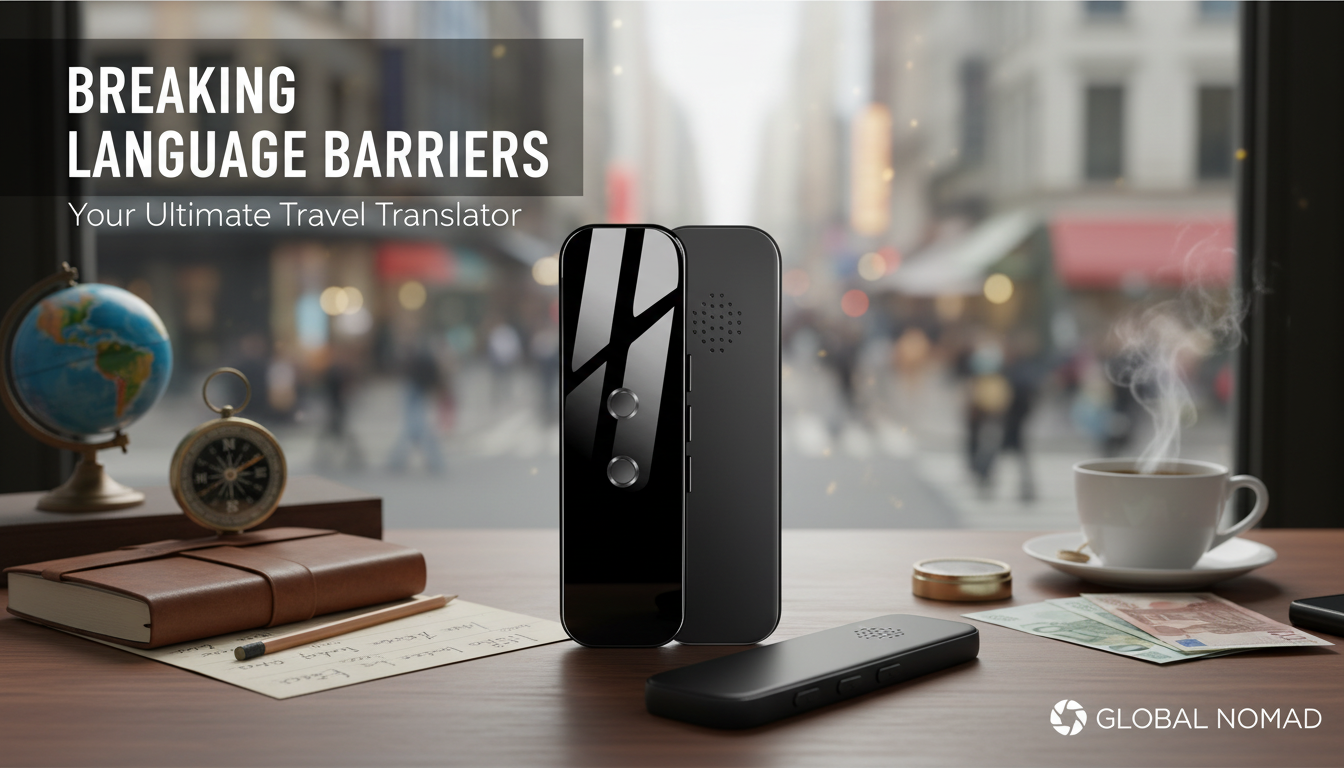
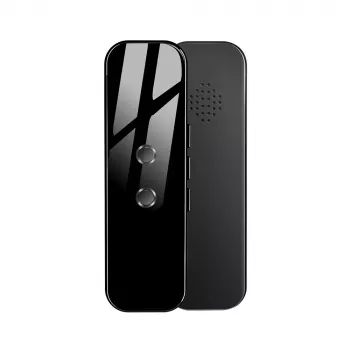
The Portable Real-Time 130 Language Wireless Voice Translator is built for quick spoken exchanges when typing on a phone is inconvenient. With broad language support (130 languages), it’s a practical companion for travel hubs, international neighborhoods, and mixed-language groups where conversations can shift quickly.
- Designed for fast, spoken back-and-forth rather than slow, typed messaging
- Broad language support (130 languages) for everyday needs
- Wireless, handheld format suited to counters, check-in desks, and walking conversations
- Budget-friendly price point for an everyday carry device rather than a specialty tool
- Best used with clear turn-taking: one person speaks, translation plays, then the other person responds
At-a-Glance Details
Practical Use Cases and Tips for Smoother Conversations
- At hotels: confirm reservation details by stating key facts (dates, room type) in short sentences.
- Dining out: ask about ingredients and allergies using simple phrases; avoid figurative language.
- Transportation: repeat numbers clearly (platforms, routes, times) and show the screen if the environment is loud.
- Work meetings: translate one question at a time, and summarize decisions in a final short statement for clarity.
- Learning support: use it as a confidence tool—listen to the translation, then attempt repeating it to build phrases.
- For best results: hold the device 6–12 inches from the speaker, face the microphone, and pause between clauses.
A simple habit that improves results fast: treat it like a relay. One speaker talks, the device plays the translation, then the other person responds. That tiny bit of structure helps the microphone capture clean audio and reduces mixed or clipped phrases.
Common Limitations to Expect (and Work Around)
Small Add-Ons That Pair Well with Multicultural Hosting
FAQ
Does a portable voice translator work without internet?
Many real-time translators rely on online processing for higher accuracy and broader language coverage. If an offline mode is available, it’s usually more limited, so it’s smart to confirm connectivity needs before relying on it for important situations.
How accurate are real-time voice translators for conversations?
Accuracy varies by language pair, audio quality, and speaking style. Short sentences, clear pronunciation, and a quieter environment help a lot, and repeating or rephrasing key details is a reliable way to confirm understanding.
Can it handle noisy places like markets or train stations?
Background noise can reduce recognition, especially when multiple people speak at once. Move closer to the microphone, use shorter phrases, and confirm critical numbers and names by repeating them or showing the text when possible.
Recommended for you



Leave a comment