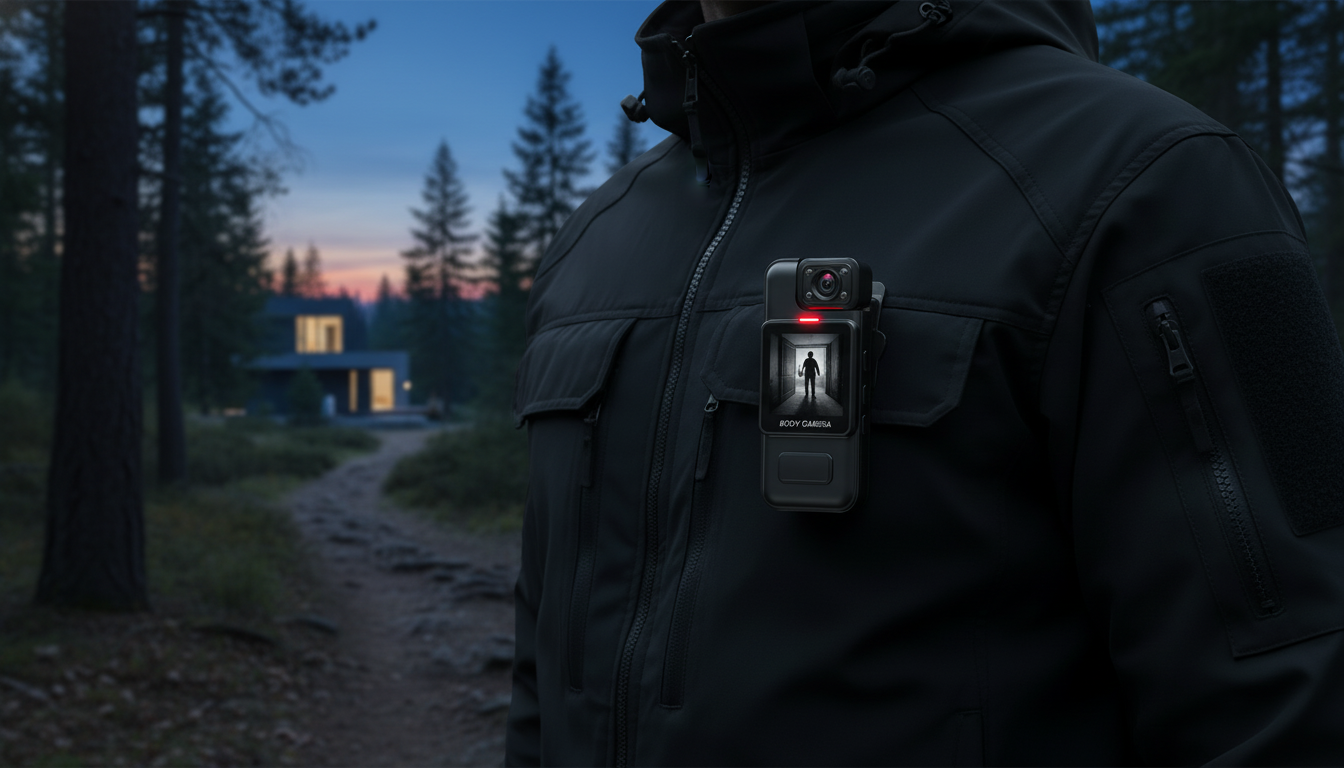
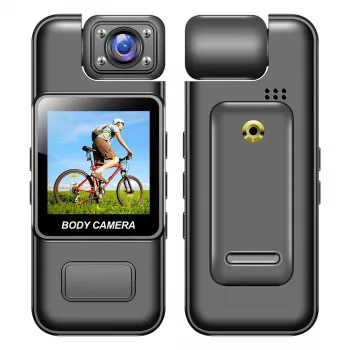
A compact body camera can add clarity and accountability during deliveries, site visits, security rounds, or everyday personal safety. This model pairs 4K recording with WiFi access, night vision for low-light scenes, and motion detection that helps capture key moments without constant manual operation.
If you want a straightforward, wearable camera for point-of-view documentation, the Ultra HD 4K WiFi Body Camera with Night Vision & Motion Detection is an affordable way to record what happened and when—while keeping your hands free for the task in front of you.
Resolution isn’t everything, but 4K can be a real advantage when you need to identify details. The jump in clarity can help preserve small information that might blur in lower modes—especially when the subject is reasonably close and the lighting is decent.
For day-to-day routine documentation, many users prefer a lower resolution (when available) to keep file sizes manageable. Then, when something important happens, switching to the highest setting can make the “zoom and verify” moment much easier later.
Night vision is most useful when you’re working in areas that are technically “dark” but still have some practical viewing range: hallways, parking areas near lights, stairwells, entry points, and dim indoor rooms. It’s especially helpful for confirming body movement, clothing, and close-range interactions.
A quick test at night—inside your actual environment—often reveals the best mounting height and angle. Small adjustments can reduce glare and help keep faces within the effective range.
Motion detection is designed for the “mostly quiet, occasionally important” parts of the day. Instead of recording long stretches of empty hallways or closed doors, the camera can focus on moments when movement appears in front of the lens.
For personal data protection habits that apply to stored footage (especially if it includes faces, addresses, or license plates), the FTC’s guidance is a practical starting point: Federal Trade Commission: Protecting Personal Information.
| Item to check | Why it matters | Practical tip |
|---|---|---|
| Resolution mode | Higher resolution can capture more detail but increases file size | Use 4K for incidents; use a lower mode for long routine recording if available |
| Night mode / IR | Improves visibility in dim scenes | Test indoors at night to learn the effective distance |
| Motion detection | Captures activity without constant recording | Position away from swinging lanyards, loose clothing, or flashing screens |
| Mount position | Determines what the camera sees and how stable it looks | Center-chest placement usually gives a natural viewpoint and reduces tilt |
| Storage & transfer plan | Prevents lost files and delays after incidents | After recording, label/save key clips immediately and back up to a secure location |
Recording consent rules vary by state, especially for audio. A helpful overview is maintained here: National Conference of State Legislatures: Audio Recording Laws (Two-Party vs. One-Party Consent).
Not necessarily. WiFi commonly supports a local connection to a nearby phone for previewing footage and transferring files; streaming over the internet depends on the specific app features and the network setup available at the time.
Night vision is usually strongest at close-to-mid range and can vary based on ambient light, distance to the subject, and movement. Testing in your actual outdoor environment is the best way to confirm what details you can reliably capture.
Typically, motion detection starts recording when movement is detected and may stop after a period of inactivity, depending on settings. For high-stakes moments, starting manual recording when possible helps reduce the chance of missed action.




Leave a comment