Hi‑Res Dynamic In‑Ear Earphones with MMCX Cable & Dual Plug Options: what to expect
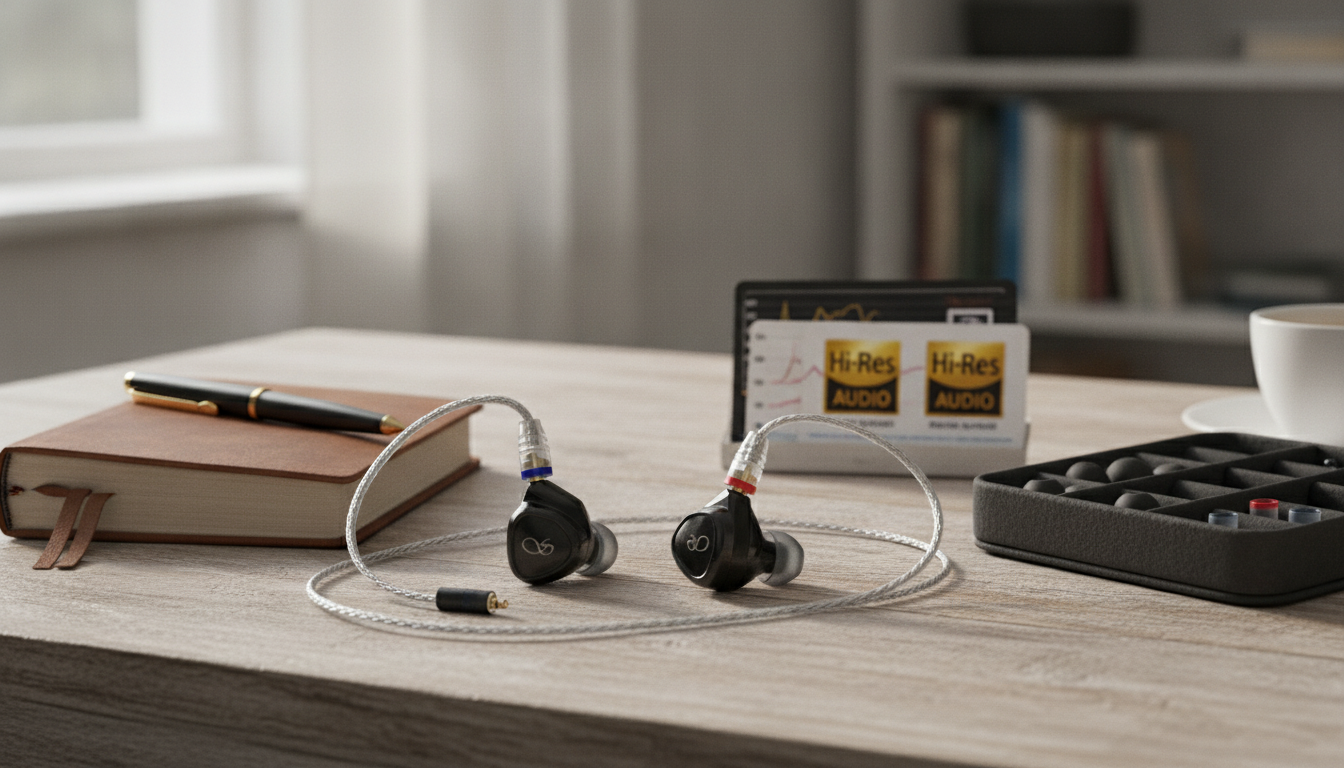
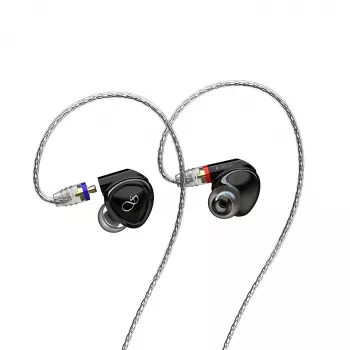
Hi‑res dynamic in‑ear earphones are built for listeners who want a clean, energetic sound with the flexibility to swap cables and connect to different devices. With an MMCX detachable cable and dual plug options, this style of earphone can adapt to phones, dongles, portable players, and desktop gear—while also making maintenance and upgrades easier over time.
Quick overview
- Dynamic driver tuning often emphasizes punchy bass, natural mids, and lively treble when paired with a good fit and a clean source.
- MMCX connectors make cable replacement straightforward if a cable fails or if you want a different length or termination.
- Dual plug options help match the earphones to common outputs (portable devices vs. desktop gear) with fewer adapters.
- Fit and seal matter as much as the driver: tips, insertion depth, and ear shape can change the sound dramatically.
Sound profile: what “dynamic” usually delivers
- Bass: Dynamic drivers typically provide stronger sub‑bass extension and a more physical “slam,” especially when the seal is airtight.
- Midrange: Vocals, guitars, and piano can come across as fuller and more coherent because a single dynamic driver presents the sound in one unified wavefront.
- Treble: Clarity and air can be excellent, but how “bright” it feels depends heavily on ear tips, insertion depth, and volume habits.
- Staging and imaging: The perceived space is shaped by nozzle angle, tip material, and recording quality; well-recorded tracks often reveal more separation than the same song in a low-bitrate file.
Detachable MMCX cable: flexibility and long-term value
- Easy replacement: If a cable frays, shorts, or starts cutting out intermittently, the earphones can stay in service—swap the cable rather than replacing the entire set.
- Upgrades and preferences: Different materials, cable softness, lengths, or an in-line mic/remote can better match commuting, calls, gaming, or desk listening.
- Travel readiness: Keeping a spare MMCX cable in a case can save a trip, a workday, or a flight from turning into “no audio” downtime.
- Connection care: Align the MMCX plug straight, avoid twisting under tension, and disconnect by pulling the plug (not the cable) to reduce wear over time.
Dual plug options: choosing the right connection for your gear
Different devices provide different outputs, and choosing the right plug can reduce adapter clutter and make switching sources painless. Portable dongles and players often favor compact, pocket-friendly terminations, while desktop amps and interfaces may benefit from a sturdier connector and a cable that stays put.
If a balanced option is included, it can reduce crosstalk and may deliver higher output on compatible gear—but it isn’t automatically “better” for every setup. The most reliable improvement usually comes from volume-matching and a quiet DAC/amp rather than the plug type alone.
Common plug options and when they make sense
| Plug type |
Typical use |
Notes |
| 3.5 mm (single-ended) |
Most laptops, phones with headphone jacks, many dongles |
Most universally compatible; easiest for sharing across devices |
| 2.5 mm (balanced) |
Some portable players and compact amps |
Requires a compatible balanced output; do not plug into a single-ended jack |
| 4.4 mm (balanced) |
Many modern portable players and balanced amps |
Sturdier balanced connector; wider device support than 2.5 mm on newer gear |
Comfort, fit, and isolation: the real performance multiplier
- Start with tip selection: Silicone tips often sound brighter and more open; foam tips often increase isolation and smooth treble.
- Seal check: Bass should be present without needing high volume. If the sound turns thin or “papery,” the seal is usually leaking.
- Insertion depth: A slightly deeper insertion can improve bass presence and block more outside noise, but comfort comes first—pain is a sign to back off.
- Cable routing: Over-ear routing typically reduces microphonics (cable noise) and helps the shells stay stable while walking.
Pairing tips: getting the best from hi‑res recordings
- Source quality: Lossless files or high-bitrate streams tend to preserve cleaner transients and better separation than heavily compressed audio. For a clear overview of codec tradeoffs, see Xiph.Org’s audio codec resources.
- DAC/amp match: Sensitive in-ears can reveal hiss on noisy outputs. If background noise appears during quiet passages, a quieter dongle or interface can be more impactful than changing ear tips.
- Volume discipline: Higher detail can tempt higher volume; long sessions are easier on the ears when you stay conservative. Practical guidance is available from NIOSH safe listening recommendations.
- EQ approach: Small adjustments (about 1–3 dB) can refine bass weight or tame treble edge while preserving the earphones’ overall character.
Daily care and maintenance
Product details and what’s included
Hi‑Res Dynamic In‑Ear Earphones with MMCX Cable & Dual Plug Options are positioned as a flexible setup for multiple devices and listening styles. The detachable MMCX design supports cable swaps for convenience, repairability, and customization, while dual plug options suit listeners switching between portable and desktop gear or between different output standards. Pricing and availability can change; confirm current details on the product page.
More in-stock picks
FAQ
Are MMCX connectors reliable for daily use?
They can be reliable when handled correctly. Connect straight, avoid yanking the cable, and disconnect by gripping the MMCX plug to reduce twisting stress and wear.
Do balanced plugs automatically improve sound quality?
Not automatically. Balanced outputs can reduce crosstalk and may provide more power on some devices, but the result depends on the source design, volume matching, and how sensitive the earphones are.
What’s the easiest way to improve bass and isolation?
Tip fit and seal come first. Try a larger tip, foam tips, or a slightly deeper (comfortable) insertion, then re-check bass at normal listening volume before changing anything else.
Recommended for you



Leave a comment