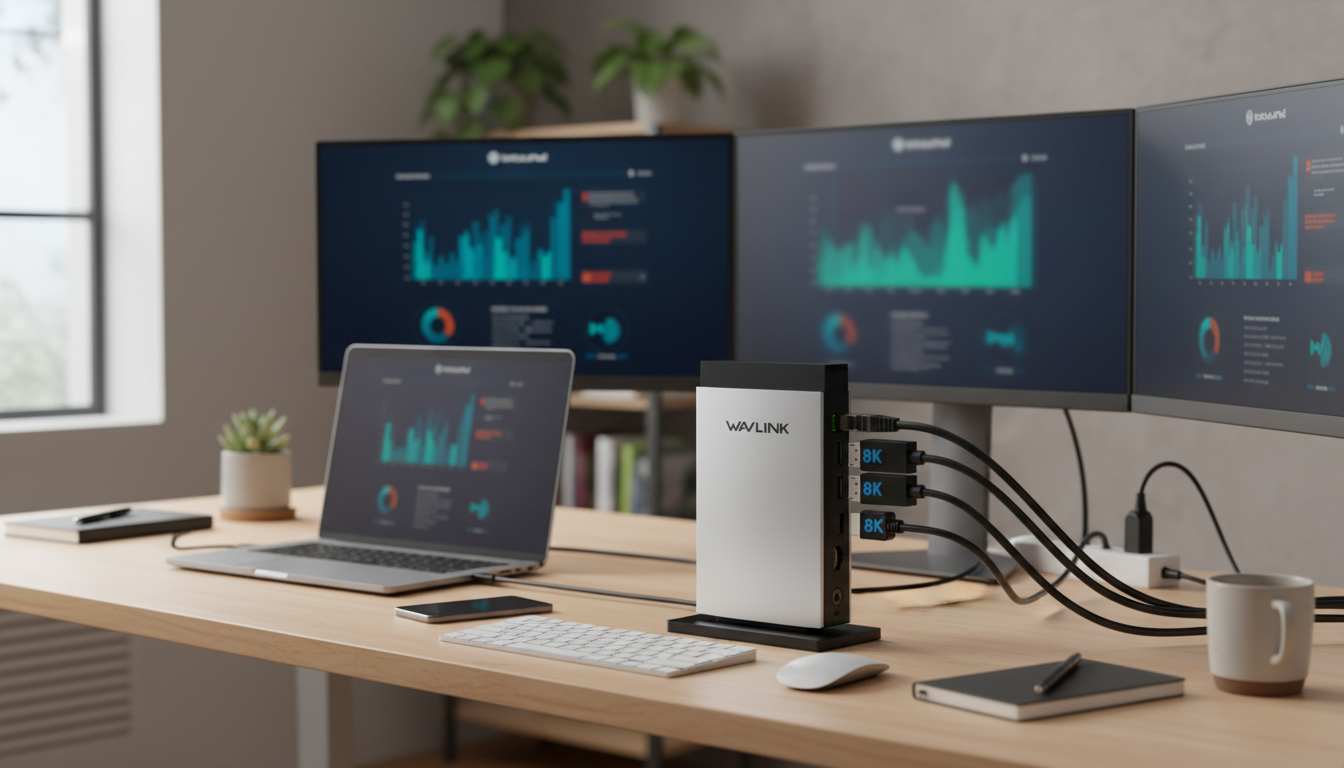
A single USB‑C connection can turn a laptop into a full desktop setup with multiple monitors, fast peripherals, wired internet, and dependable charging. An 11‑in‑1 docking station built for up to three monitors and up to 140W USB‑C Power Delivery is designed for the way modern desks actually work: you dock in, everything wakes up, and you get back to work without replugging a dozen devices.
If you’re building a home office, upgrading a creative workspace, or switching between office and home, the key is understanding what your laptop supports (especially video over USB‑C) and how to set expectations for triple‑monitor layouts.
At its best, a multi‑monitor USB‑C dock behaves like a “desktop backplane” for your laptop. Instead of scattering cables across both sides of the computer, you connect everything to the dock once and then plug in one USB‑C cable when you sit down.
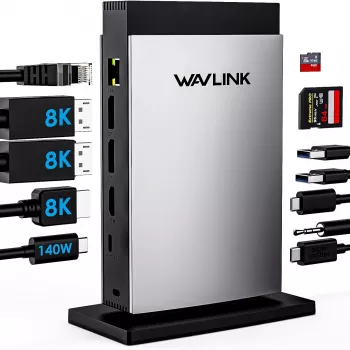
The real value of an 11‑in‑1 dock is that every “daily plug” gets a predictable home: monitors, keyboard/mouse, webcam, Ethernet, and charging. Video outputs are intended for multi‑monitor setups, but results depend on your laptop’s USB‑C capabilities (DisplayPort Alt Mode or Thunderbolt) and any OS limits on external displays.
| Connection | What to plug in | Tip for stable performance |
|---|---|---|
| Video ports | Monitors (1–3) | Match monitor resolution/refresh to laptop support; use quality cables |
| USB ports | Keyboard, mouse, webcam, external SSD | Plug high-speed storage into the fastest USB port available |
| Ethernet (RJ45) | Router/switch | Prefer wired for calls and large transfers |
| USB‑C PD input | USB‑C charger | Use a PD 3.1/compatible charger for higher wattage laptops |
Ethernet is often the most immediately noticeable upgrade: fewer video-call hiccups, faster uploads, and more consistent remote-desktop sessions than typical Wi‑Fi. USB ports handle the rest—especially useful when your laptop has only two USB‑C ports and you’d rather not sacrifice one to a dongle chain.
Triple‑monitor docking can be wonderfully productive, but it’s also where compatibility matters most. Three displays can be configured as extended desktops for multitasking or mirrored for presentations. Some laptops support triple extended displays natively; others may mirror one output depending on the chipset, USB‑C implementation, and OS policies.
If you’re mixing a 4K monitor with two 1080p displays, expect some tuning—especially around scaling. Matching refresh rates (for example, 60Hz across all screens) tends to reduce intermittent flicker and makes window movement feel more consistent.
For background on how USB‑C charging negotiation works, see the official overview: USB Power Delivery (USB‑IF) overview.
No. The USB‑C port must support video output (DisplayPort Alt Mode or Thunderbolt), and the laptop/OS can limit how many external displays can run in extended mode—some systems will mirror one output instead of extending it.
Not necessarily. Charging depends on the laptop’s supported PD input, the charger’s available PD profile, and the cable’s power rating; system workload and battery state can also reduce the effective charging rate.
Many docks using USB‑C Alt Mode or Thunderbolt can be close to plug-and-play for video, but some multi-display solutions rely on additional technologies that may require software. Checking the dock documentation and keeping OS and graphics drivers updated helps avoid detection issues.






Leave a comment
You must be logged in to post a comment.