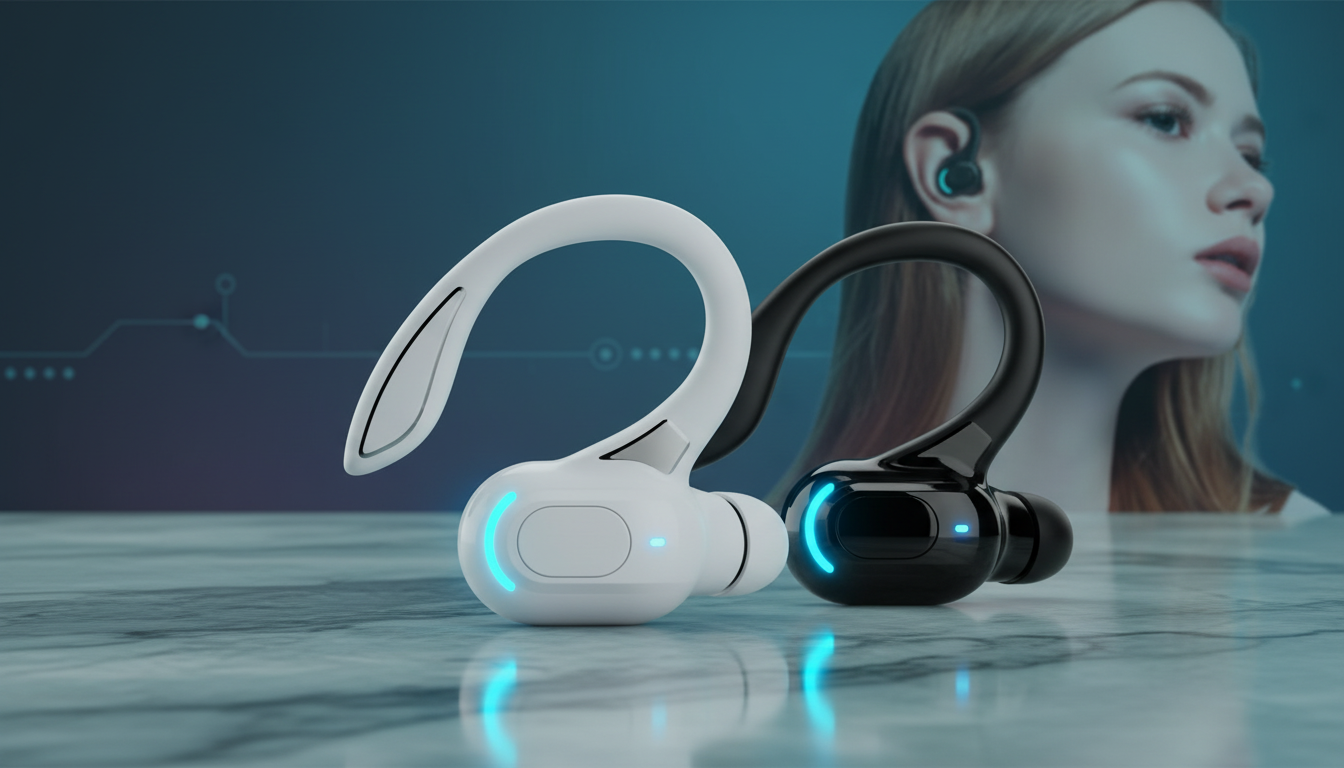
A wireless Bluetooth adapter adds Bluetooth connectivity to a device that doesn’t have it built in—or upgrades older Bluetooth hardware to a newer version. In practical terms, it lets your phone, laptop, TV, desktop computer, or game console connect wirelessly to compatible gear like earbuds, headphones, speakers, keyboards, mice, and car stereos.
Most adapters work in one (or sometimes both) of these roles:
In receiver mode, the adapter “receives” Bluetooth audio from your phone or laptop and outputs it to a non-Bluetooth device. For example, you can plug a receiver into a car’s AUX port or a set of wired speakers so they can play music wirelessly. Many receivers output via 3.5mm AUX, RCA, or optical, depending on the model.
In transmitter mode, the adapter “sends” audio from a device that lacks Bluetooth—like a TV, older computer, or airplane seat screen—to Bluetooth headphones or earbuds. This is especially useful for private listening without running a long headphone cable.
Beyond simply enabling wireless connections, a good adapter can affect range, stability, and latency (audio delay). Some transmitters support low-latency codecs to reduce lip-sync issues for TV and movies, while others focus on multi-device pairing or stronger antennas for more reliable connections.
If you’re shopping for earbuds or want a deeper understanding of newer Bluetooth features (like efficiency and connection reliability improvements), see this guide: Bluetooth 5.2 waterproof earbuds, noise reduction, and 20-hour battery guide.
For Wireless Bluetooth Adapter: What It Does & How It Works, the best answer depends on fit, material, care instructions, and how the product will be used day to day.
Yes—if it’s a Bluetooth receiver with a headphone jack (or the right output), it can send Bluetooth audio to wired headphones through a short cable. If you’re trying to connect wired headphones to a device that only outputs Bluetooth, you’ll need a receiver, not a transmitter.




Leave a comment
You must be logged in to post a comment.