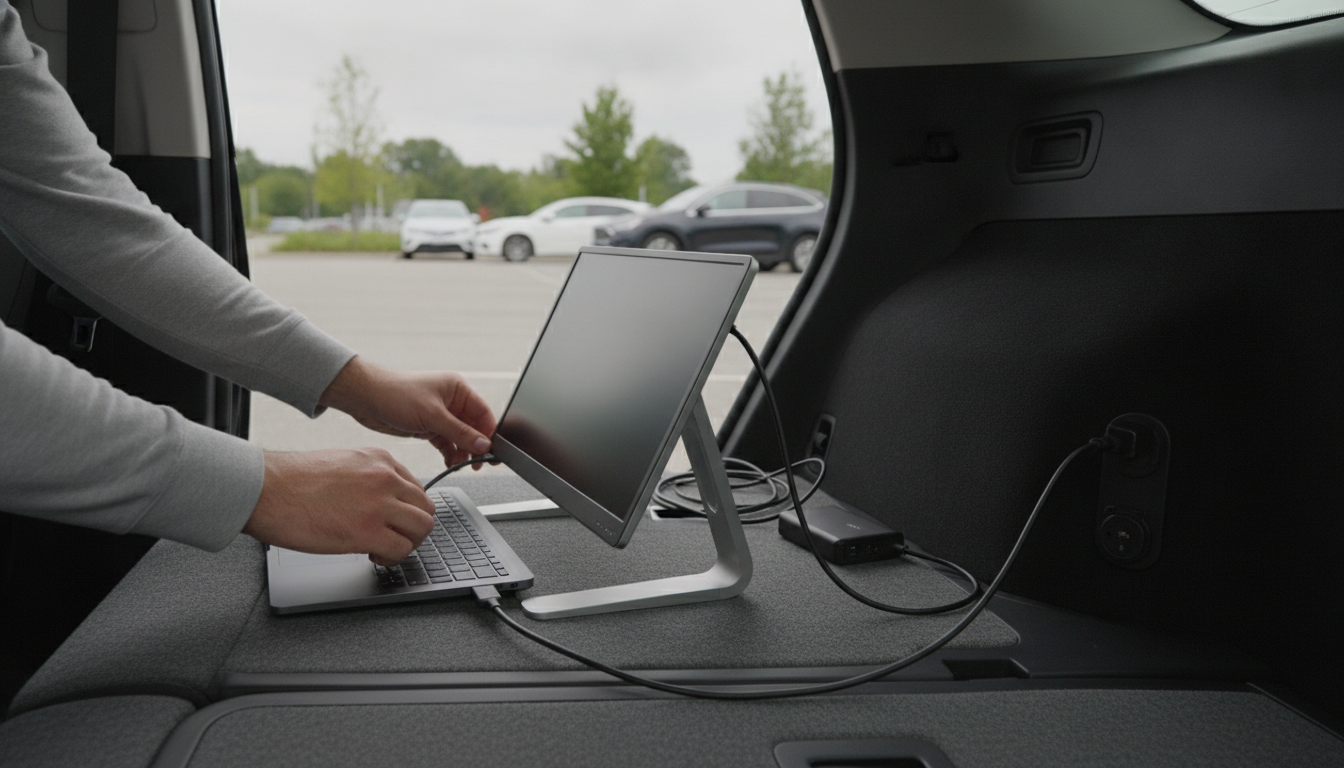
Yes—many USB-C monitors can charge a laptop through the same USB-C cable that carries video and data, but it depends on the monitor’s USB Power Delivery (USB-PD) output and your laptop’s power needs. If the monitor supports USB-PD and your laptop supports charging over USB-C, the monitor can act like a charger while also serving as your display.
USB-C monitors that advertise “Power Delivery” provide power back to the laptop over the USB-C connection. You plug your laptop into the monitor’s USB-C upstream port, and the monitor negotiates a safe wattage with the laptop (for example, 45W, 65W, 90W, or higher). Many monitors also function as a hub, letting the laptop access the monitor’s USB ports and other built-in connections.
Look for the monitor’s “USB-C Power Delivery” rating. A 45W monitor may keep a light laptop running but charge slowly, while a 65W–100W monitor is a better match for many mainstream laptops. Larger performance laptops may need more than a monitor can provide, especially under heavy loads.
If your laptop normally ships with a 90W, 100W, or 140W adapter, a lower-power monitor may maintain battery level during light work but still drain during gaming, compiling, or video editing. Some laptops also require specific USB-C/Thunderbolt ports for charging.
Use a full-featured USB-C cable that supports both video and power, and connect to the monitor’s correct USB-C upstream port (not a downstream USB-C port meant only for accessories).
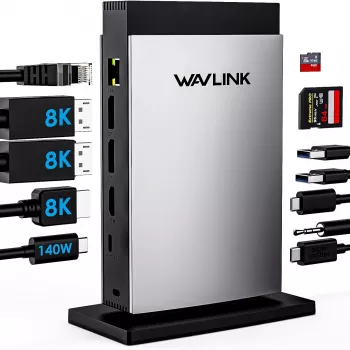
If your monitor’s charging output is limited—or you want one setup that reliably powers and drives multiple displays—a USB-C docking station with higher Power Delivery can be a better fit. For a deeper walkthrough on multi-monitor setups and PD wattage considerations, see this guide: https://idyllie.com/guide-usb-c-docking-station-3-monitors-11-in-1-140w-pd-guide/.
Match the monitor’s USB-PD output as closely as possible to your laptop’s charger wattage. 65W works for many everyday laptops, while power-hungry models often need 90W–140W to avoid draining under load.






Leave a comment
You must be logged in to post a comment.