Breathable Mesh Chair: Headrest + Flip-Up Arms
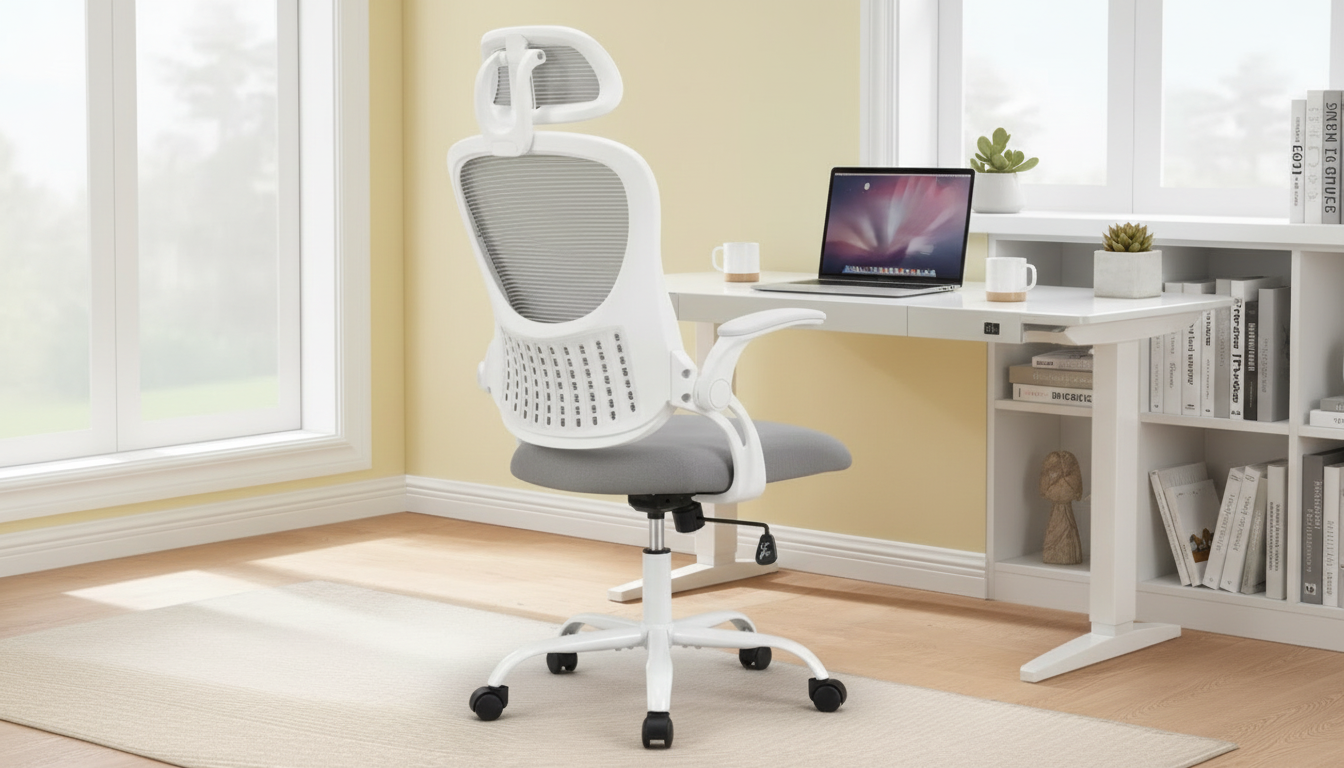
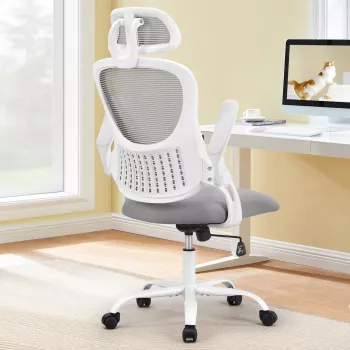
Ergonomic Mesh Office Chair with Adjustable Headrest and Flip-Up Armrests
Designed for everyday desk work, this mesh office chair focuses on breathable support, flexible adjustments, and a space-saving profile. The adjustable headrest helps reduce neck strain during long sessions, while flip-up armrests make it easier to slide the chair under a desk or switch between typing and closer-in tasks.
If you’re upgrading a home office, student setup, or compact workstation, the goal is simple: stay cooler, sit more neutrally, and keep your chair easy to live with day after day. For a closer look at the model featured here, see the Ergonomic Mesh Office Chair with Adjustable Headrest and Flip-Up Armrests.
Quick look at what makes this chair practical
- Breathable mesh back promotes airflow to help stay cooler during extended sitting
- Adjustable headrest supports the neck during focused work, calls, and reading
- Flip-up armrests create more clearance for smaller desks and tighter home office layouts
- Built for everyday use with straightforward controls and a modern, minimal footprint
Small ergonomic wins add up. When the chair fits the way you work—typing, reading, meeting, or gaming—there’s less fidgeting and fewer “end of day” tight spots in the shoulders and upper back.
Comfort and posture support for desk work
- Mesh back provides supportive tension while reducing heat buildup compared with solid upholstery
- Headrest adjustment helps align the head over the shoulders, which can reduce upper-back fatigue
- Armrests help offload shoulder tension during typing and mousing; flipping them up encourages closer positioning to the desk when needed
- A supportive seat and stable base help maintain a neutral sitting posture across work sessions
Mesh seating is popular for a reason: it tends to feel less stuffy over long stretches, especially in warmer rooms or when the AC isn’t blasting. For posture, the headline is balance—support where you need it, freedom where you don’t. A chair that encourages a gently upright torso and a relaxed chest position can make screen time feel less taxing.
For general workstation ergonomics guidance, reputable references like OSHA’s Computer Workstations eTool and the Mayo Clinic office ergonomics guide offer practical setup benchmarks you can apply at home.
Adjustability features that matter day to day
- Headrest: adjust to meet the curve at the base of the skull; avoid pushing the head forward
- Armrests: use down position for relaxed shoulders; flip up when moving in close or when arm support gets in the way
- Seat height: adjust so feet rest flat and knees are roughly level with hips
- Back support: aim for a gently supported lower back and an upright, relaxed chest position
Adjustment checklist and what to feel for
| Adjustment | Goal | Quick self-check |
|---|---|---|
| Seat height | Comfortable leg position and stable footing | Feet flat, thighs supported, no pressure behind knees |
| Headrest position | Neck support without forcing posture | Head rests lightly; chin not tipped up or pushed forward |
| Armrests (down) | Reduce shoulder and neck tension | Shoulders relaxed; elbows near sides |
| Armrests (flipped up) | More desk clearance and closer reach | Chair slides under desk; forearms can rest on desk if preferred |
| Back support and recline | Natural spine curve and easier breathing | Lower back feels supported; chest open; no slouching |
Take a minute to dial in one adjustment at a time. A good quick test is a 5–10 minute work sprint: if you notice shrugging, craning forward, or sliding around, make a single change and retest. That small-and-steady approach tends to land on a more natural fit than doing everything at once.
Space-saving advantages of flip-up armrests
- Creates a cleaner fit under desks, especially in apartments, dorms, and compact workstations
- Supports multi-use rooms where the chair must tuck away after work hours
- Makes side-to-side movement easier when switching between keyboard, notebook, and secondary monitor positions
- Helpful for users who occasionally prefer armless seating for instrument practice, crafting, or closer drafting work
Flip-up arms are one of those features that feels minor—until you’re trying to reclaim floor space. If your desk is shallow or your room layout is tight, being able to slide the chair farther under the desktop can reduce clutter and make the whole area feel less cramped.
Materials, durability, and everyday maintenance
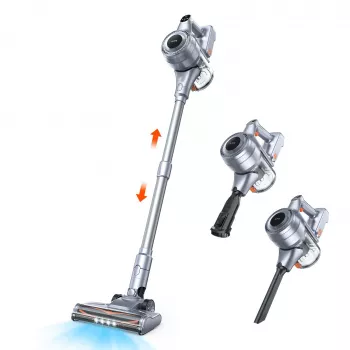
To keep a workspace feeling “reset” between tasks, it also helps to keep the floor and chair base clear of dust and debris so the casters roll smoothly. If you want a quick way to clean around desk legs, base spokes, and tight corners, consider adding a small cleaner like the Powerful Cordless Handheld Vacuum Cleaner with LED Light & 40-Min Runtime.
For broader information on preventing strain during repetitive or static work, resources like NIOSH ergonomics guidance provide helpful context on how posture, movement, and workstation fit can affect comfort over time.
Who this chair suits best
Set up a desk-and-chair fit that feels better fast
FAQ
Are flip-up armrests sturdy enough for daily use?
Flip-up armrests are designed for flexible positioning and everyday forearm support. Avoid putting full body weight on them when sitting down, and periodically check the hardware to keep the arms stable and aligned.
How should the headrest be adjusted to avoid neck strain?
Set the headrest so it makes light contact at the base of the skull, keeping your ears roughly over your shoulders. Make small adjustments and test during short sessions to ensure it supports without nudging your head forward.
Is a mesh office chair comfortable in warm rooms?
Mesh tends to allow more airflow than solid upholstery, which can reduce heat buildup during long sitting. For best comfort, pair it with reasonable room ventilation and take brief movement breaks to avoid staying static.














Leave a comment